Start from a template
7 prebuilt agents covering the common finance cases, or a blank canvas.

[No-code canvas]
Build the process your team actually follows: triggers, rules, approval points, and the actions that follow. No engineering ticket.
7 prebuilt agents covering the common finance cases, or a blank canvas.
Classification, business rules, and the point where a person has to review.
Tasks, approvals, reminders, timeline updates, and email, with review gates where you want them.
Product
Connect analysis, logic, and finance actions, then configure the detail when your workflow needs it.
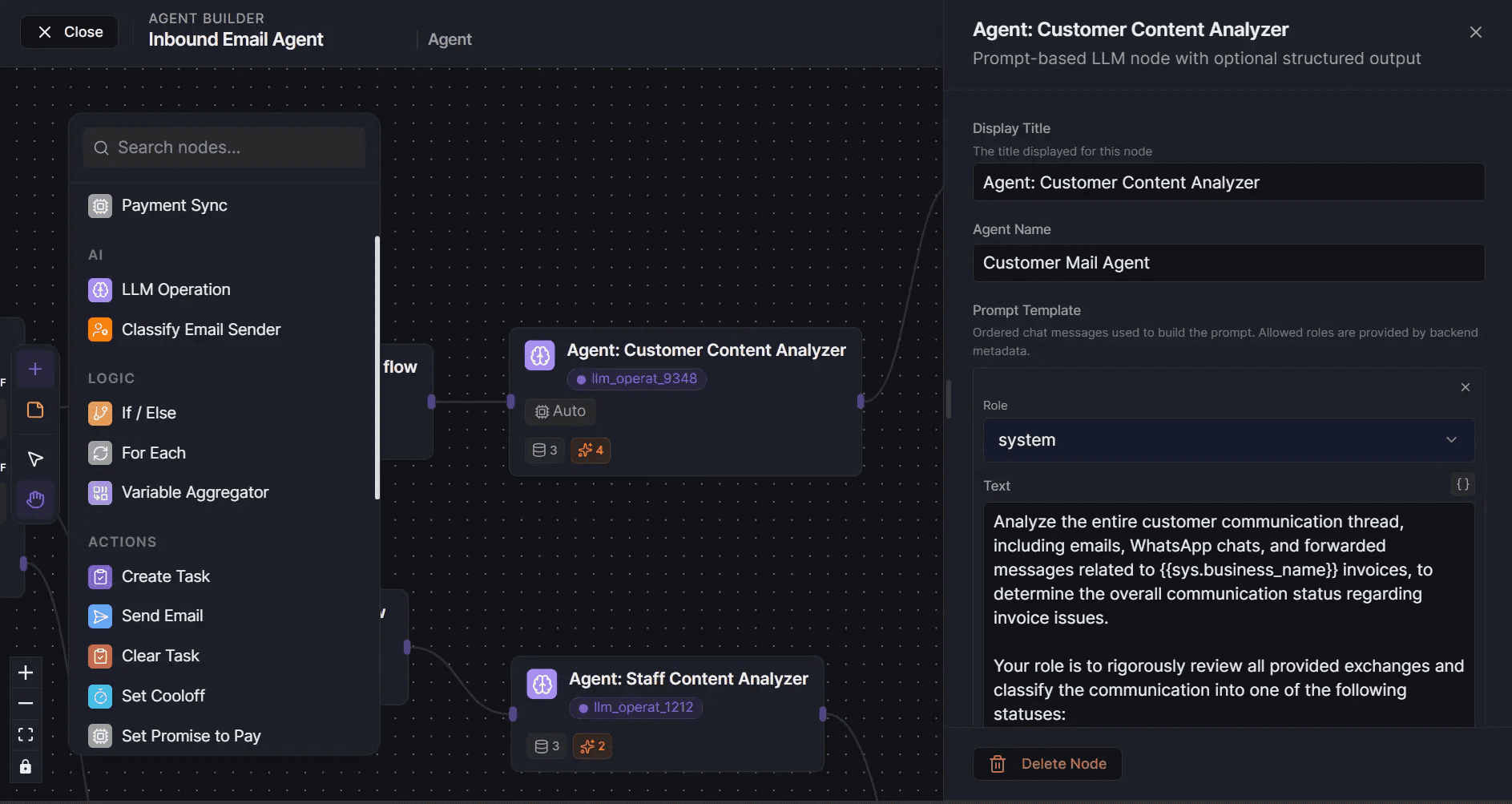
Templates
Each one is a working flow you can use as-is or adapt. Every template names its trigger, its actions, and where a person has to approve.
| Agent | Trigger | Approval |
|---|---|---|
| Promise To Pay Agent | Payment commitment in a customer reply | Optional for escalation |
| Inbound Agent | New customer or vendor email | Optional per exception |
| Email To Remittance Agent | Remittance detected in email | Not applicable |
| Payable Negotiation Agent | Supplier bill or terms up for review | Required before sending |
| Invoice Discount Agent | Invoice eligible for early payment | Required before sending |
| Dispute Agent | Customer dispute detected | Not applicable |
| Payment Terms Agent | Eligible customer identified | Required before sending |
Control
The point of the builder is not more automation. It is deciding exactly where a person steps in.
An inbound email, a bill, a due date, or a scheduled check.
Classification and rules run against your policy.
Anything above your threshold, or outside policy, stops here for a person.
The workflow continues: task, approval, reminder, timeline update, or email.
The decision and the action land in the audit trail together.
FAQ
No. Start from a template and adjust the analysis and rules where your process needs more specificity.
Triggers, AI analysis, classification, If / Else logic, iteration, tasks, email, cooldowns, promise-to-pay actions, and escalation.
Define review points and routing rules before enabling the workflow. Sensitive decisions stay with the authorised person.
Yes. Workflows are configuration, not code, so a rule or threshold can change without an engineering release.
No. That is the point of the canvas: finance owns the process definition.
Start
Bring your workflow, your systems, and who approves what.